Integrations and APIs
The public API and MCP services are optional. Expose them when you want external integrations or AI clients to reach your deployment.
Both are separate services in the compose file, so you can add either one later without touching the app. See Services and Routing for domains and ports.
Public API
The public API service is used for integrations, webhooks, and API docs.
When exposed, the API reference is available at:
| Path | Use |
|---|---|
/docs | Interactive Scalar reference. |
/swagger | Swagger UI reference. |
/openapi.json | OpenAPI document for SDK generation. |
/webhook-event-types | Current list of webhook event types this deployment can send. |
For example:
https://api.kanera.example.com/docs
https://api.kanera.example.com/webhook-event-types
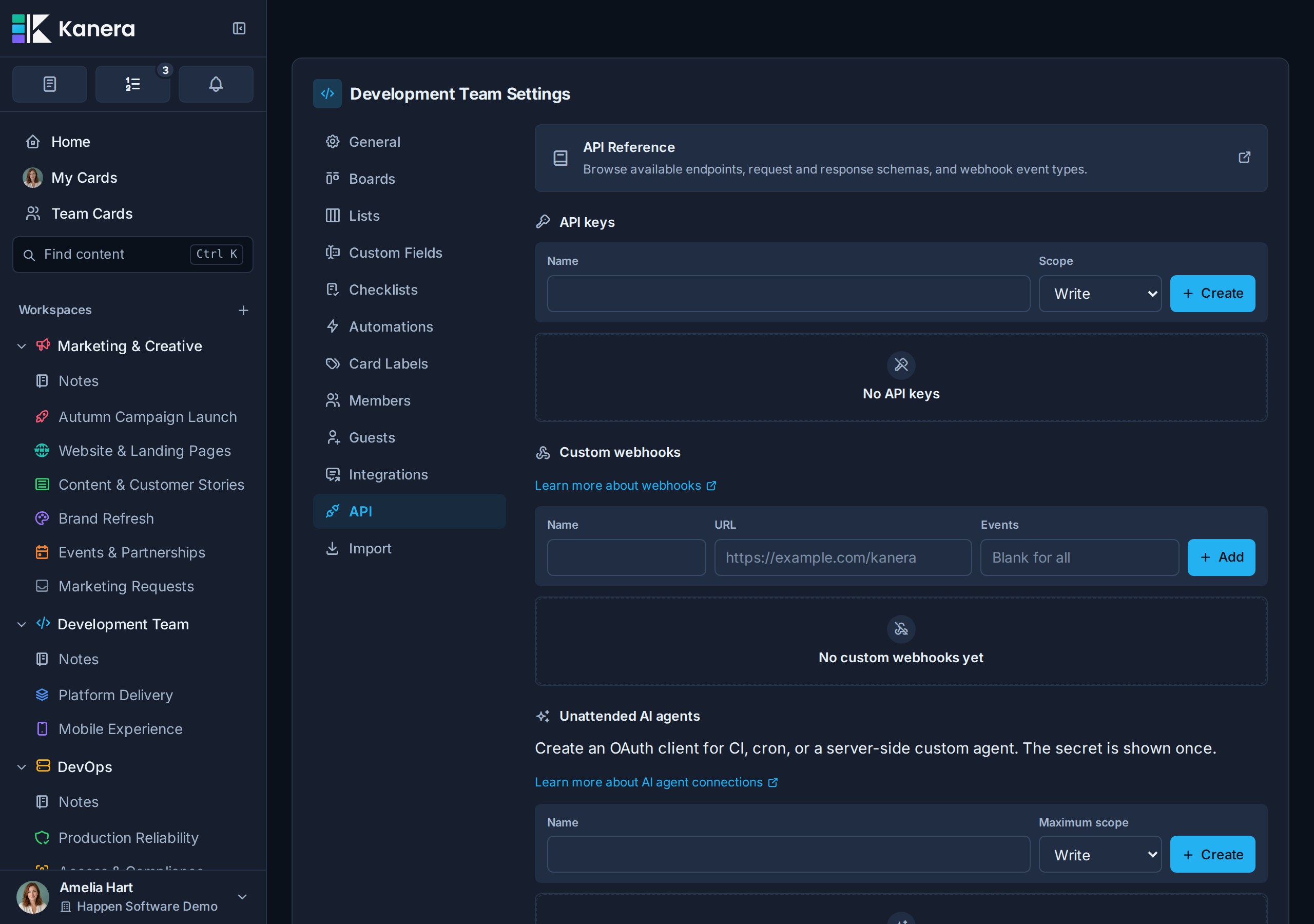
See API for API keys, first requests, webhooks, and signature verification.
MCP
The MCP service lets AI clients connect to Kanera over Streamable HTTP.
When exposed, the endpoint is:
https://mcp.kanera.example.com/mcp
The /health path is exposed alongside it. Kanera shows users the exact MCP address to give their AI client under Profile settings -> API keys, so point people there rather than asking them to assemble the URL.
Set the public MCP URL when exposing it:
MCP_SERVER_PUBLIC_URL=https://mcp.kanera.example.com/mcp
In Docker Compose, keep the internal MCP-to-public-API URL as:
KANERA_PUBLIC_API_URL=http://public-api:3001
MCP clients authenticate with Kanera API keys using:
Authorization: Bearer kanera_live_...
Use a personal key from Profile settings -> API keys for a user's own AI client across their accessible boards. Use a workspace key from Workspace settings -> API for shared MCP clients or server-side automations pinned to one workspace.
OAuth for AI agents
To let compatible agents connect through a browser sign-in instead of an API key, tell Kanera its public OAuth URLs. Set the public API issuer on the public-api service:
PUBLIC_API_OAUTH_ISSUER=https://api.kanera.example.com
Generate a separate secret for the private MCP-to-public-API token exchange:
MCP_INTERNAL_SECRET=<output of openssl rand -hex 32>
The value must be at least 32 characters, must differ from JWT_SECRET, and must be identical in the public-api and mcp services. The bundled Compose file passes it to both services.
MCP_SERVER_PUBLIC_URL (set above) drives the MCP protected-resource metadata. With the bundled docker-compose.yml, two more variables are derived automatically: MCP_PUBLIC_URL (the canonical OAuth resource and MCP address shown to users) from MCP_SERVER_PUBLIC_URL, and the MCP service's OAUTH_ISSUER_URL from PUBLIC_API_OAUTH_ISSUER.
OAuth authorization and token requests bind every code, grant, refresh family, and access token to that canonical MCP_PUBLIC_URL. Raw kanera_mcp_... tokens work only at the MCP endpoint and are rejected by /api/v1; the MCP service exchanges them internally for a separate minute-lived delegation credential.
Route the OAuth discovery paths to the right service at your reverse proxy:
| Path | Service |
|---|---|
/.well-known/oauth-authorization-server, /oauth/* | public-api |
/.well-known/oauth-protected-resource, /.well-known/oauth-protected-resource/mcp, /mcp | mcp |
When upgrading from a release that issued OAuth tokens without resource binding, the migration revokes existing OAuth grants and tokens. Registered client definitions remain, but users and unattended agents must reconnect once after that older migration. The read/write policy update does not revoke valid OAuth sessions, so it does not require reconnection.
See Connect an AI agent for the full flow, and Connect Kanera to your AI agent for client setup and MCP capabilities.
Trello import attachment copying
Trello board JSON imports work without extra setup.
To let users import Trello file attachments into Kanera, configure a Trello API key:
TRELLO_API_KEY=your-trello-api-key
Create the key from Trello's Power-Up admin page at https://trello.com/power-ups/admin. No Power-Up capabilities are required; the Power-Up/app entry is only the Trello container for the API key. Users connect Trello during the import so Kanera can copy attachments for that import.
See Import from Trello.