Self Host
Kanera can be self-hosted when you want to run the same product on your own infrastructure and keep control of your deployment, database, uploads, backups, domains, and operational settings.
The self-hosted edition uses the same codebase as Kanera Pro. It is designed to run with Docker Compose and includes the web app, main API, realtime support, background worker, public API, MCP server, PostgreSQL, Valkey, and optional backup service.
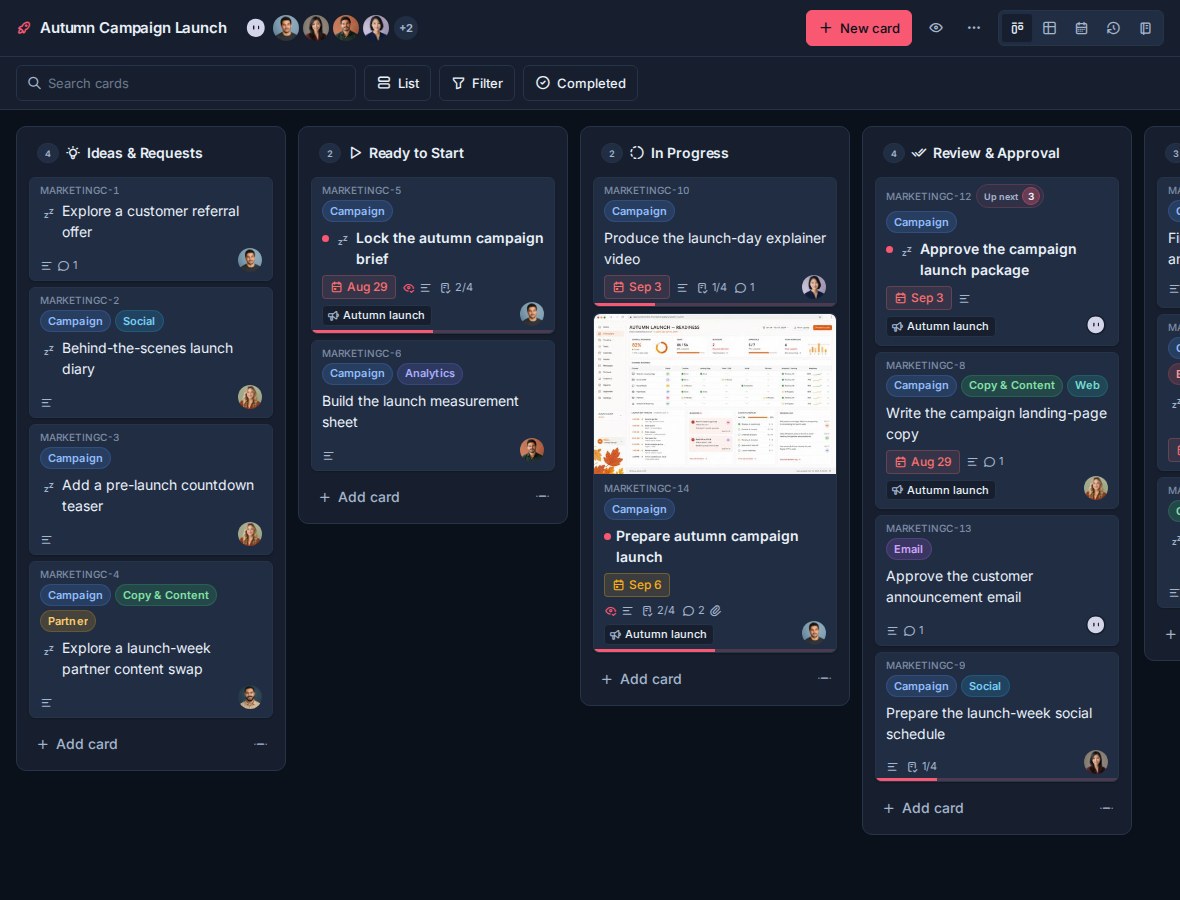
What self-hosting includes
The standard deployment includes:
- The Kanera web app.
- The main app API and realtime server.
- A single worker for schedulers, notifications, webhooks, and cleanup jobs.
- PostgreSQL for application data.
- Valkey for realtime fanout, presence, and shared rate limits.
- The public integration API.
- The MCP server for AI agents.
- Local upload storage, with optional S3-compatible storage.
- Optional encrypted PostgreSQL backups to S3-compatible storage.
No plan limits
Self-hosted Kanera has no billing plan and no plan check. Every feature described anywhere in these docs is available to your deployment, including the ones the rest of the documentation describes as needing Pro or a Pro trial.
That means the plan requirements in the other guides do not apply to you:
| Documented as needing Pro | On a self-hosted deployment |
|---|---|
| Boards and automations | Unlimited. |
| Organisation members | No user cap. |
| Board guests for clients and contractors | No guest-seat gate. Grant board access as needed. |
| API keys and the public REST API | Available to every user, and to every workspace admin for scoped keys. |
| Custom webhooks | Available to every workspace admin. |
| Chat destinations for Slack, Discord, Telegram, and Zulip | Available to every workspace admin. |
| Personal ntfy, Gotify, and webhook notifications | Available to every user. |
| Attachment storage | Bounded by your own disk or S3 bucket, not a quota. |
The downgrade behaviour those guides describe — paused webhooks, revoked API keys, disabled personal channels — is a hosted-billing mechanism and never runs here. Permission rules still apply exactly as documented: workspace admin is still required where the docs say so.
Notifications on self-hosted Kanera
Self-hosted deployments include the same notification feature set as hosted Kanera: the in-app notification drawer, email, browser push, personal ntfy, Gotify, and webhook destinations, per-workspace rules, per-type user preferences, and workspace chat destinations for Slack, Discord, Telegram, and Zulip.
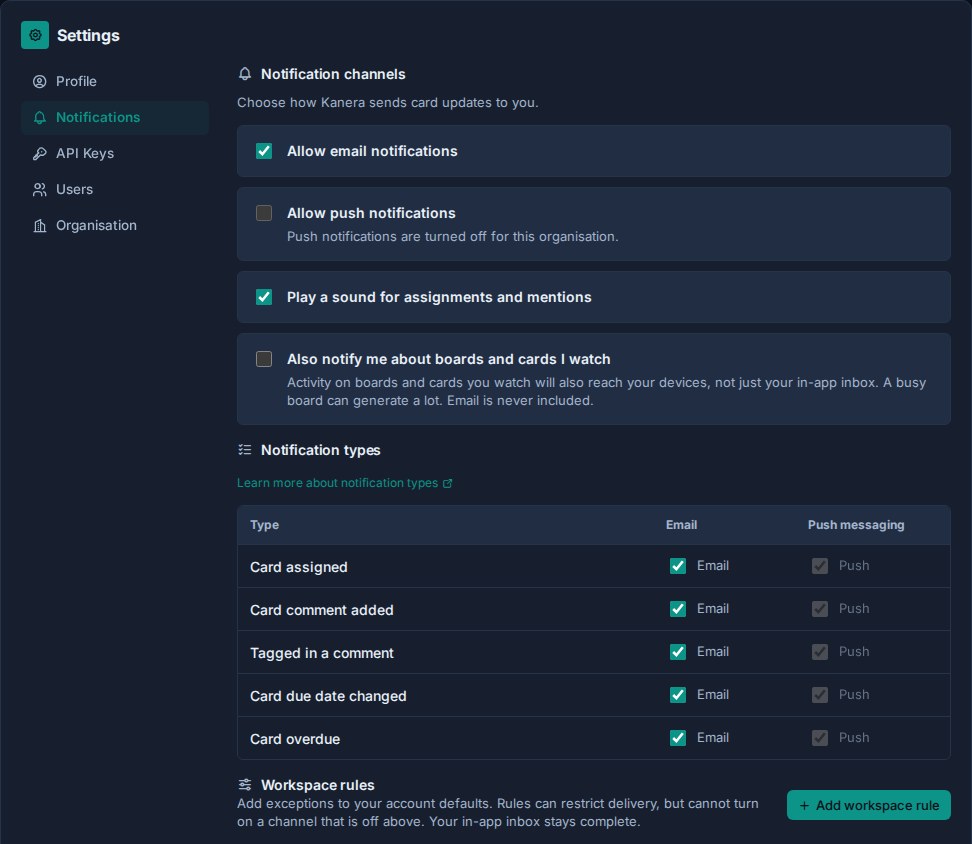
Self-hosting is a good fit for personal delivery channels, because a homelab or internal ntfy or Gotify server is often the whole point. See Email and Notifications for SMTP, push, private receivers, and chat destination setup.
Where to start
Start with Getting Started. It takes you from an empty server to a Kanera you can sign in to: requirements, capacity, the environment file, starting Docker Compose, and health checks.
Everything after that is optional and has its own page:
| Page | Covers |
|---|---|
| Getting Started | Requirements, capacity planning, environment values, starting the stack, and verifying it. |
| Environment Reference | Required secrets, public URLs, access, storage, delivery, scaling, retention, monitoring, and admin settings. |
| Services and Routing | What each service does, recommended domains, publishing ports, and reverse-proxy trust. |
| Email and Notifications | SMTP, browser push, personal ntfy/Gotify/webhook destinations, and chat destinations. |
| Integrations and APIs | Exposing the public API and MCP, OAuth for AI agents, and Trello attachment copying. |
| Storage and Backups | Local or S3 upload storage, database and file backups, and the secrets worth keeping. |
| Updates and Scaling | Applying releases, Dokploy, and replica counts. |
| Common Issues | A first-deployment checklist and the symptoms that come up most. |
For the implementation-backed deployment reference, see DEPLOY.md in the Kanera repository.